"Can you send me that invoice again?" "Did you get the documents?" "Where are we on the project?"
Every firm answers these questions many times a week. Each answer takes a few minutes. Together, they take hours, and they interrupt real work.
A client portal answers them before they're asked.
What clients actually want
When you ask clients, the list is short:
- See what they owe and download any invoice, any time.
- Pay online without hunting for bank details.
- Send documents without long email threads.
- Know where things stand: what's done, what's next, and when.
What to put in a portal
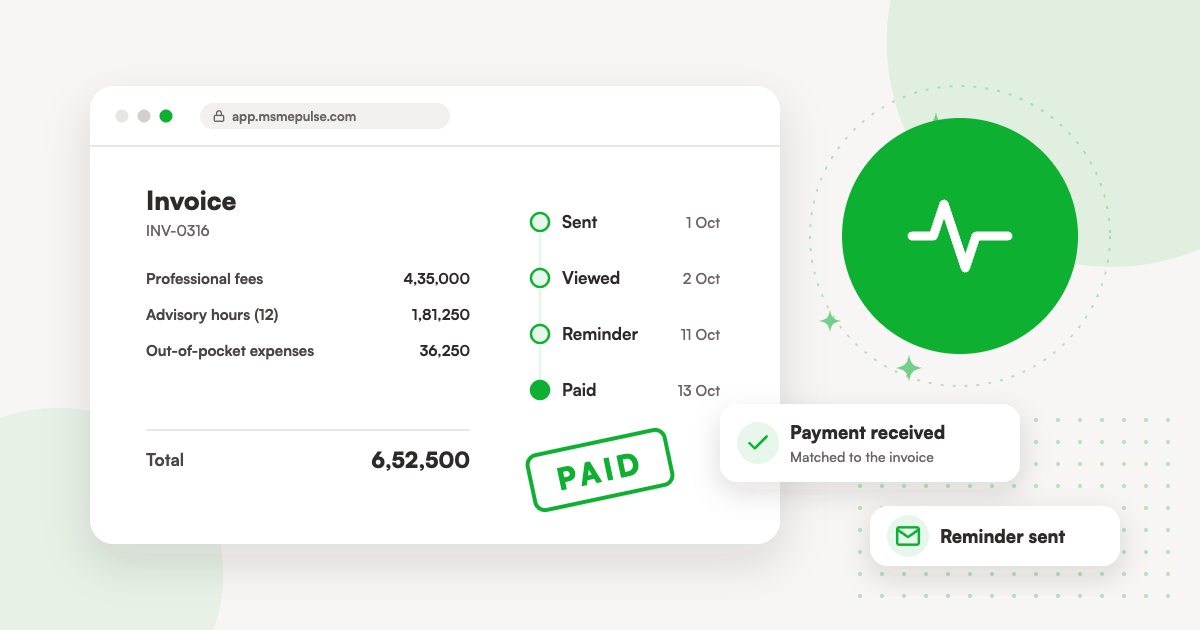
Invoices and statements. Every invoice, its status, and a statement of account. Finance teams love this: no more asking for copies at year-end.
Payments. A pay button on each unpaid invoice, with the payment methods your clients use.
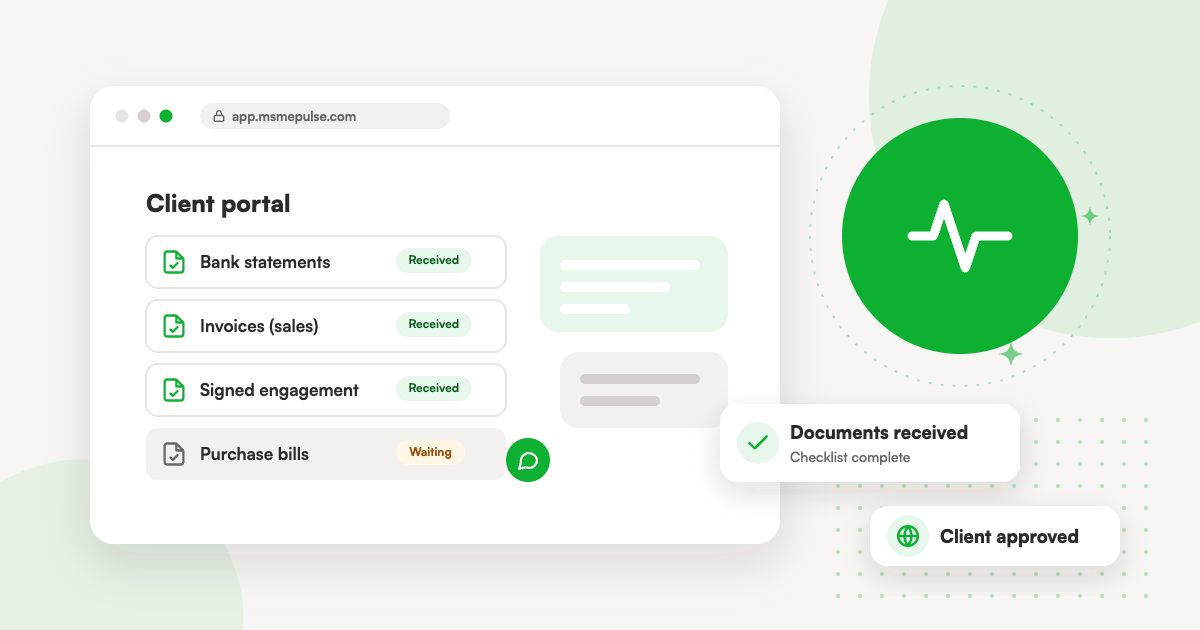
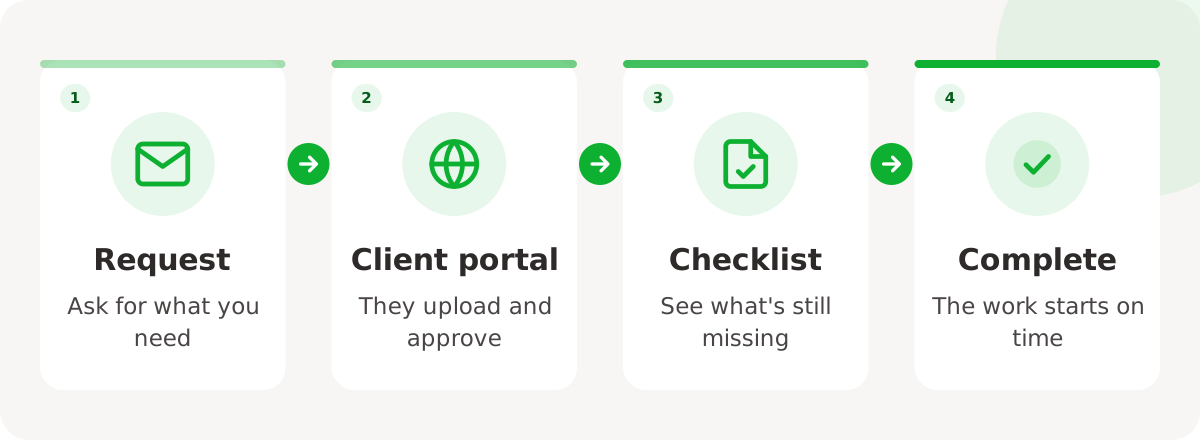
Documents. A checklist of what you need from them, with an upload button next to each item. The checklist does the chasing for you.
Progress. The milestones and tasks you choose to share. Keep internal notes and time logs private.
Proposals. New proposals to review and accept online.
What to keep out
- Internal discussions and drafts.
- Time logs and rates (unless your contract shows them).
- Anything another client could see by mistake. Each client should only ever see their own records.
Getting clients to use it
- Send the invitation with the first invoice, not as a separate email.
- Put the portal link in your email signature.
- When a client asks for a document by email, reply with the portal link instead.
Within a few months, most clients will go there first.
How MSMEPulse helps
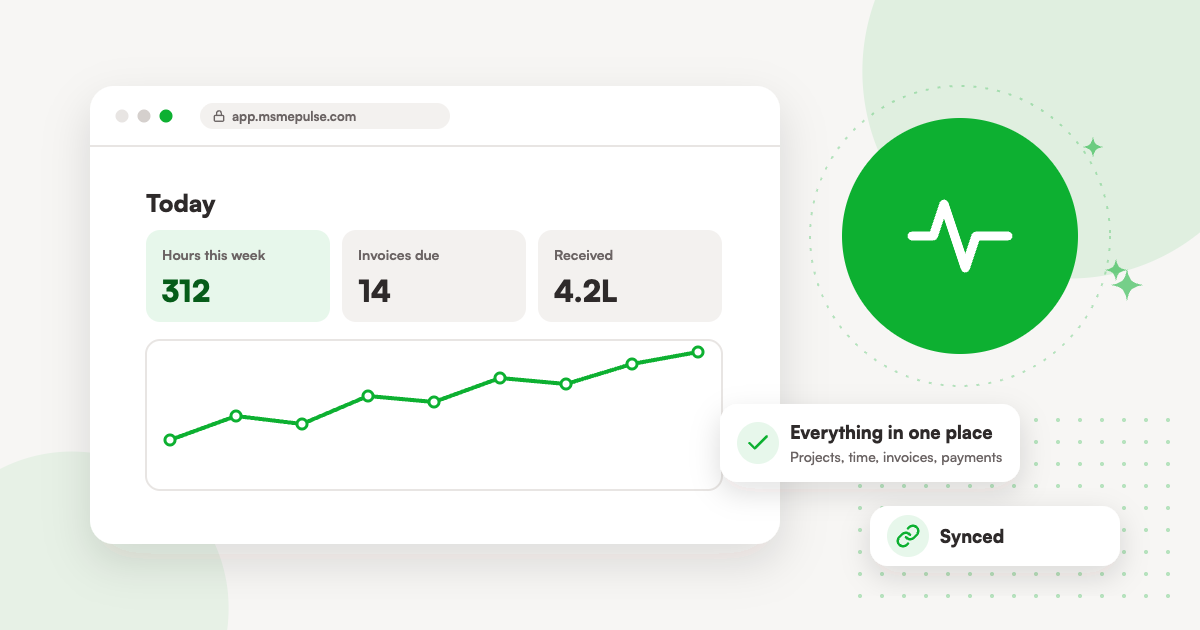
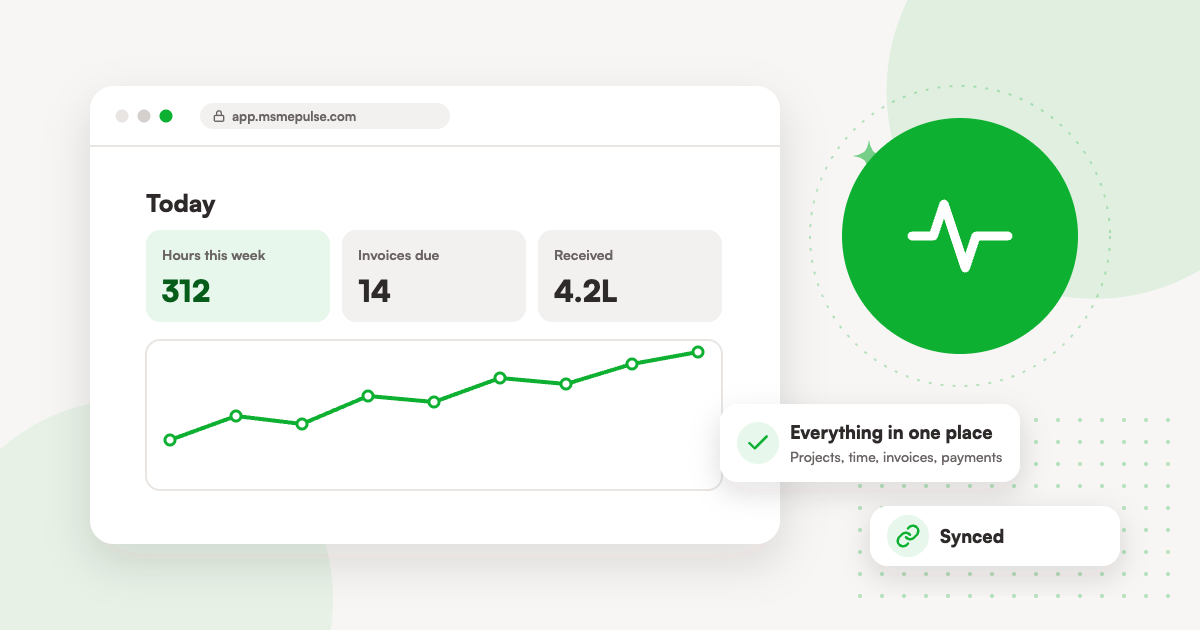
Every MSMEPulse workspace includes a client portal. Clients sign in with their email, see their invoices and pay online, upload the documents on your checklist, and follow the milestones you share. Proposals go to them by email to accept online. Each client only ever sees their own records.